 Meeting Minutes
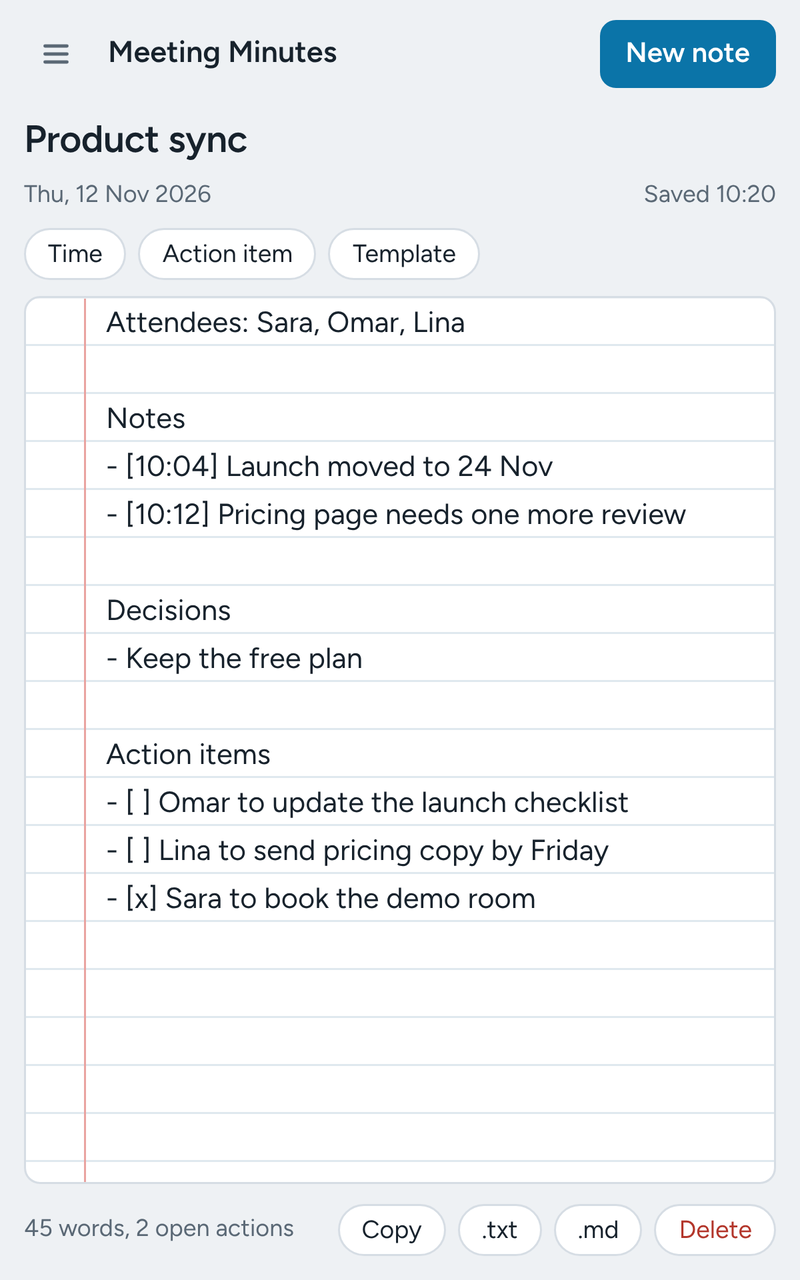
Nothing to remember to save
Notes are written to your browser a moment after you stop typing. Close the popup, switch tabs or restart Chrome, and they are still there.
- Saves automatically, with the time of the last save on screen
- Open it from the toolbar or with Alt + Shift + M
- Move it to the side panel to keep it beside any tab
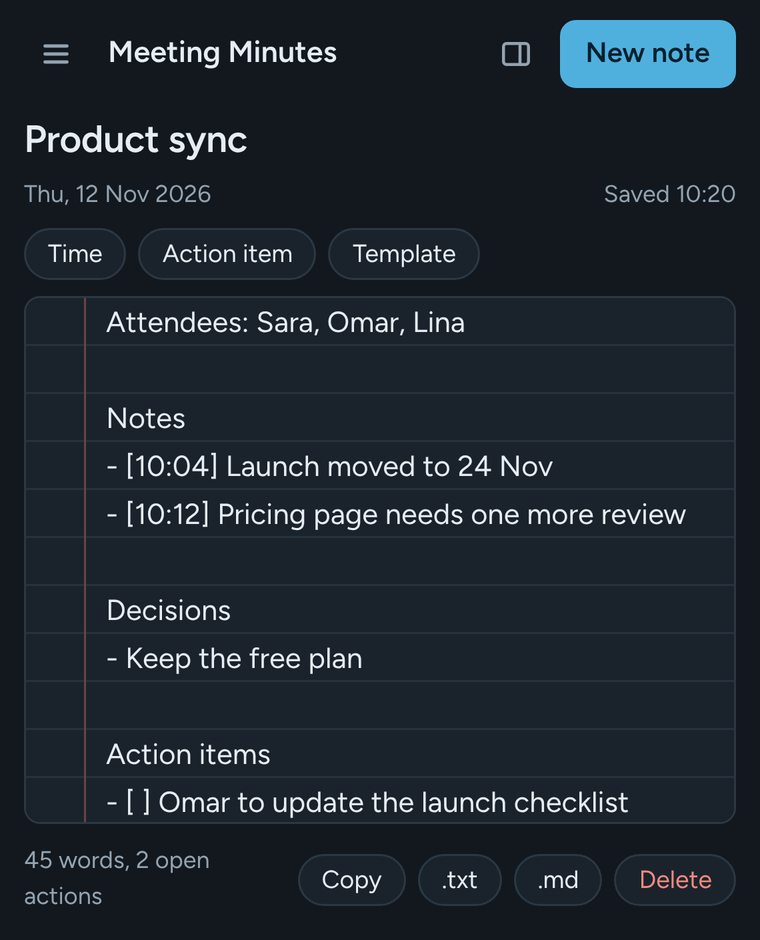
- Light and dark themes follow your system
Built for minutes, not just notes
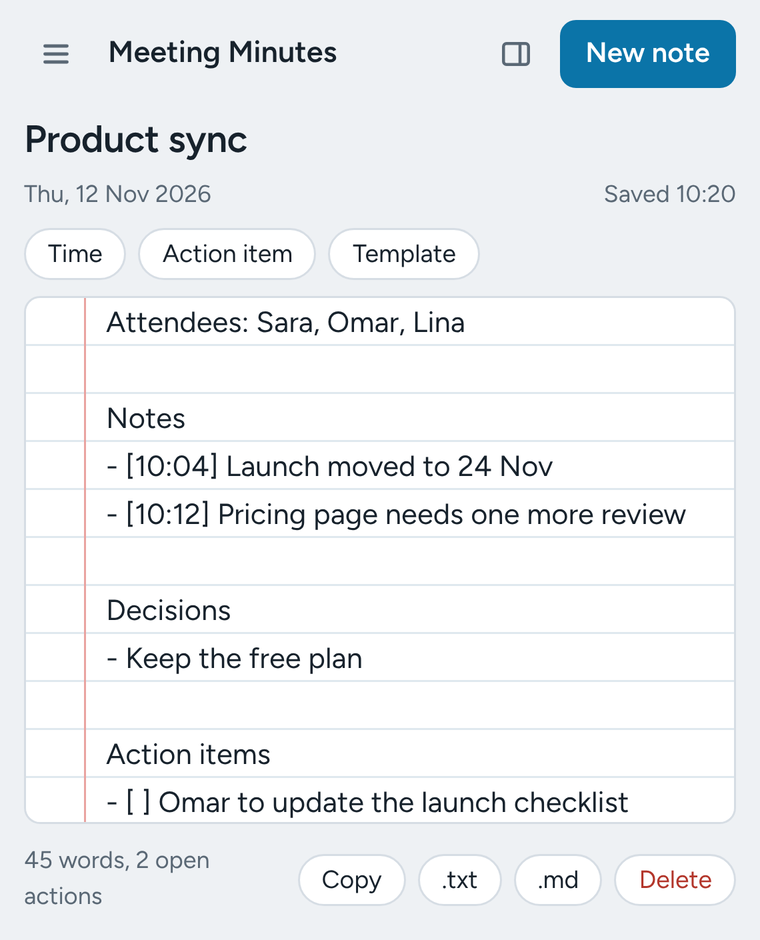
Three buttons cover what a minute-taker does most, and plain text keeps it fast.
- Time: stamps the current time at the cursor
- Action item: starts a checklist line, and Enter continues the list
- Template: headings for attendees, agenda, notes, decisions and actions
- A running count of words and open actions
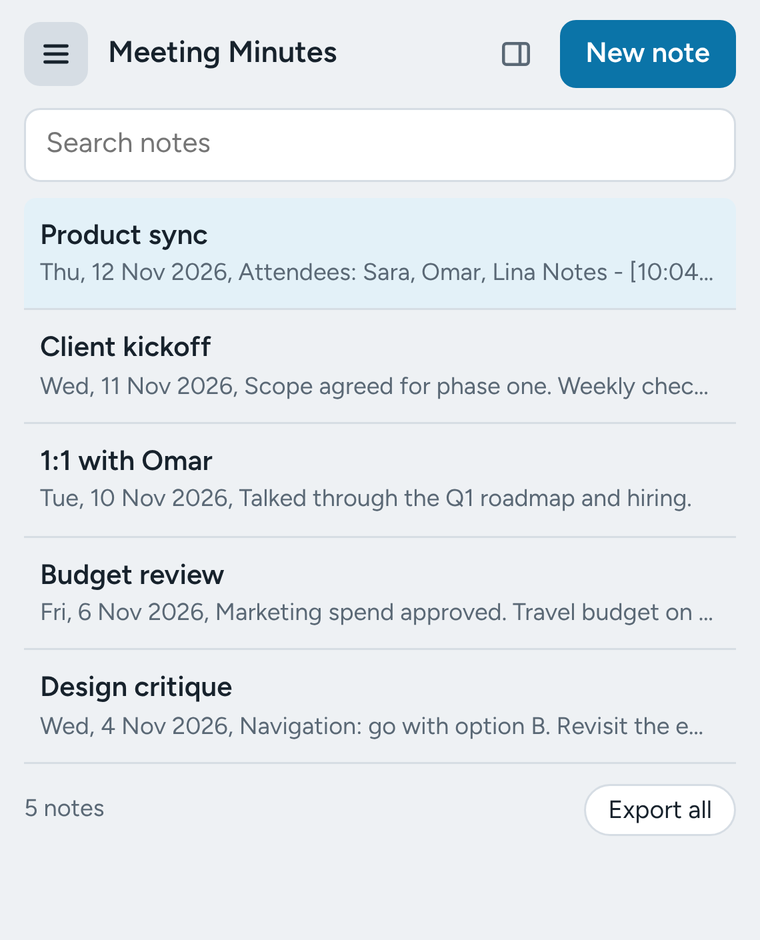
One note per meeting, out in one click
Each meeting gets its own note with a title and date. On Google Meet, Zoom, Teams, Webex and Whereby, a new note takes its title from the meeting tab.
Copy
The whole note on your clipboard, ready for email or chat.
.txt
A plain text file named after the meeting and its date.
.md
Markdown, for wikis, Notion, Obsidian and GitHub.
Export all
Every note in a single file, as a backup.
New in version 2.0
- Notes save as you type
- Opens in Chrome's side panel
- A separate note for each meeting
- Search across all notes
- Time stamps, action items and a template
- Copy, .txt and Markdown export
- Undo after deleting a note
- Dark theme and a keyboard shortcut
Your notes never leave your browser
There is no account, no server, no analytics and no advertising. The extension makes no network requests at all.